My Account
Energy Monitor allows the user to customize their accounts to their liking.
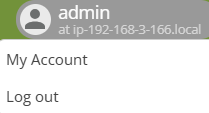
Click on your login name -> “My Account”
Customizing options

Edit User menu
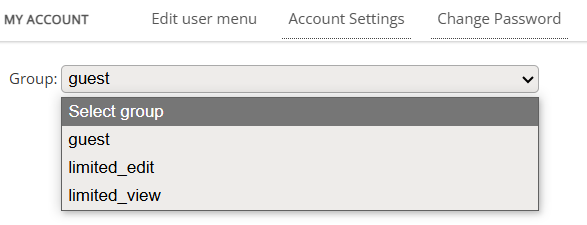
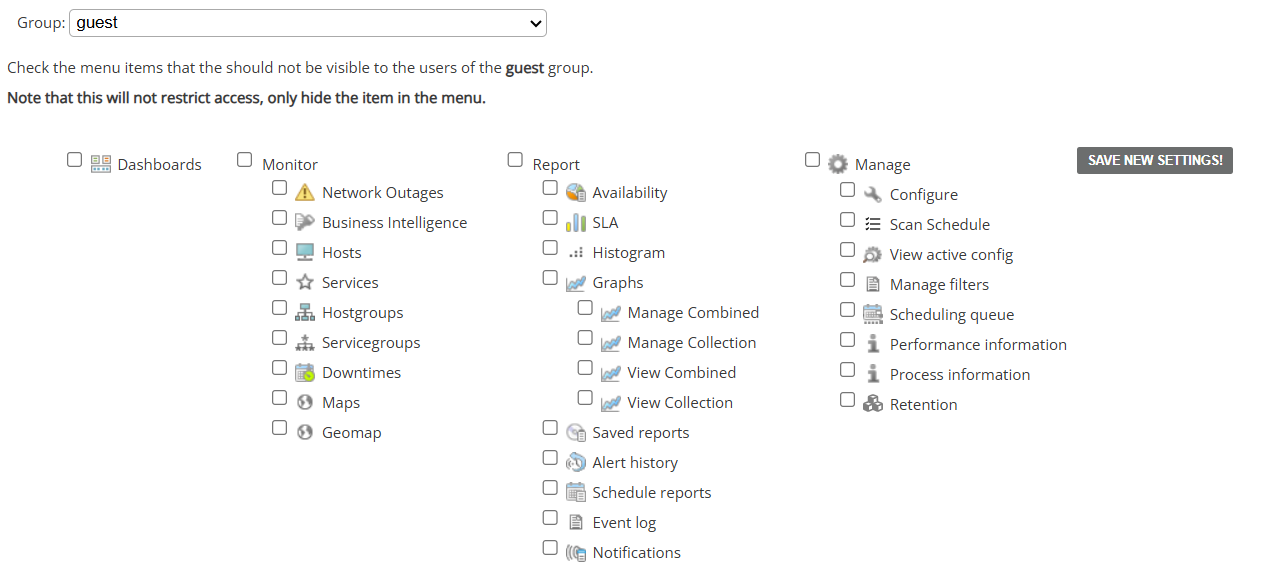
This submenu allows the administrator an easy way of deciding which menu a particular user group can see in their UI’s.
Tick the “checkboxes” next to the menu You wish to hide, then save the settings with “Save New Settings” button.
Note: It doesn't restrict access rights of the group in any capacity.
Account Settings
This submenu allows the user to change various settings about his personal account.
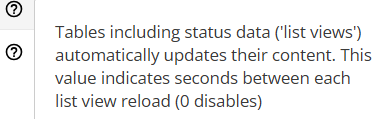
Every setting has included explanation under “?” icon.
Settngs include options like: uI theme, how many hosts are displayed in the menu’s at the same time, column order in menu’s and more.
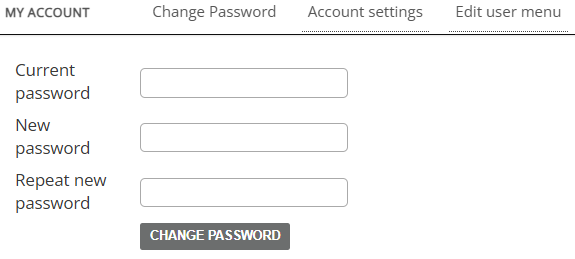
Change Password
This submenu allows the currently logged user to change the password for his/her’s account.