Group rights
Energy Monitor assigns permissions by looking up the user’s “user group”.
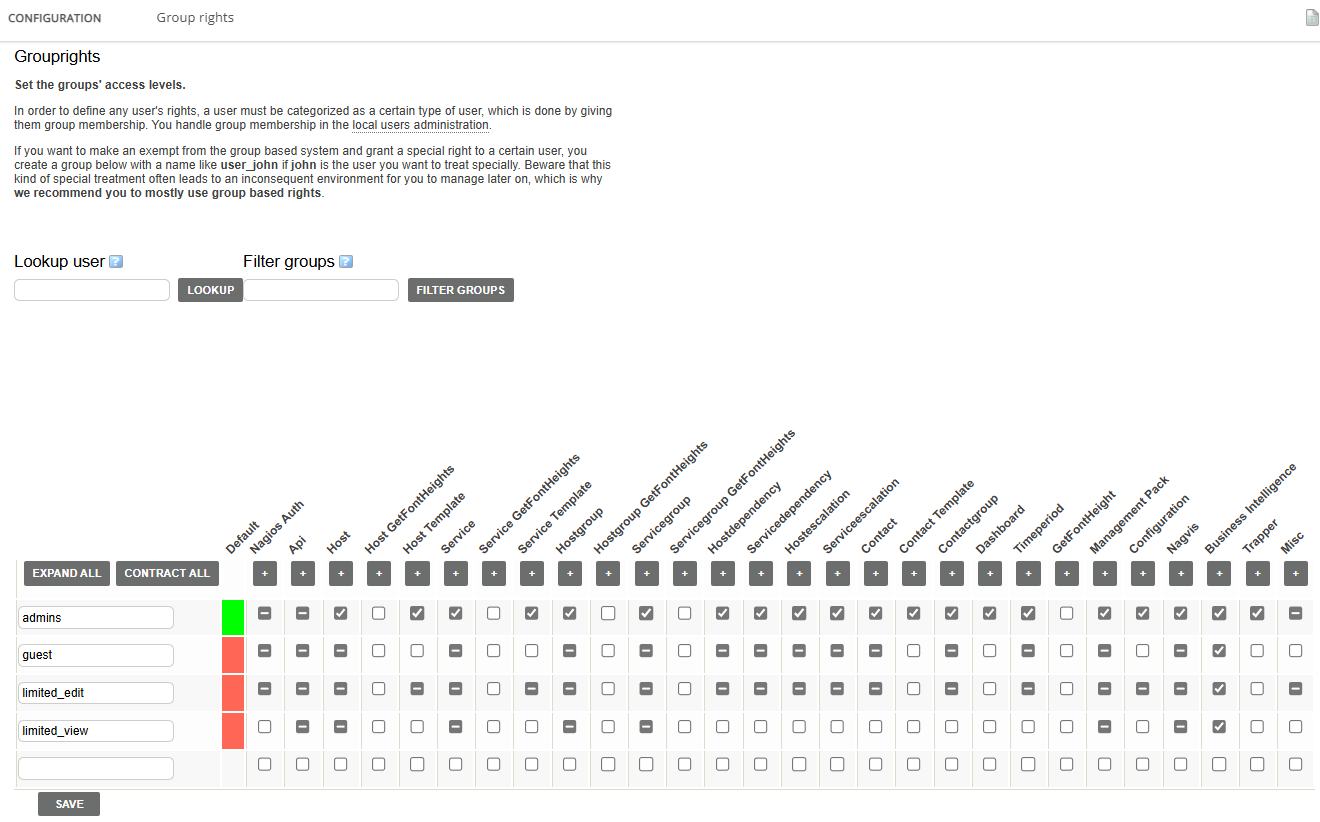
Setting up grouprights
Enter “Manage” -> “Configure” -> “Group rights”
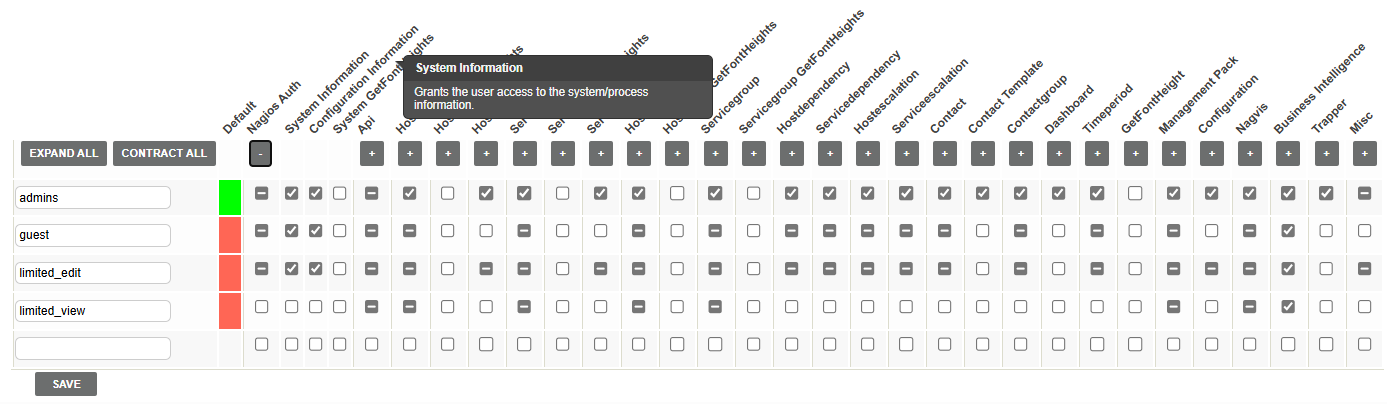
Expanding/Shrinking of categories can be done with following icons:

Hovering the mouse over an option will display an explanation of the category.
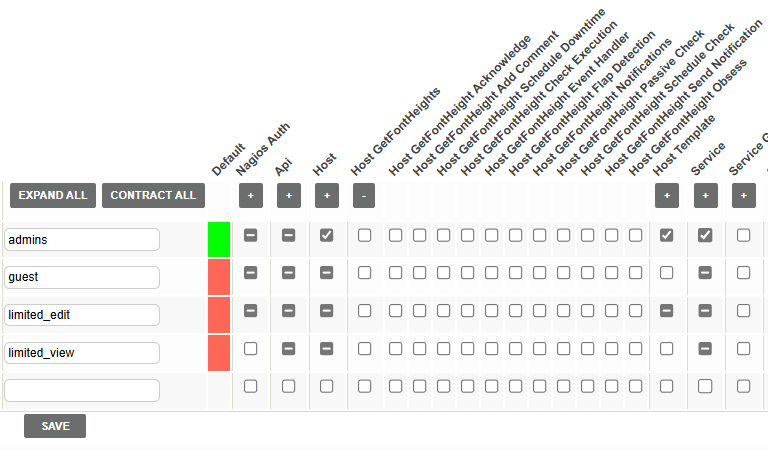
After finishing, save the changes to the database.
Adding a new group
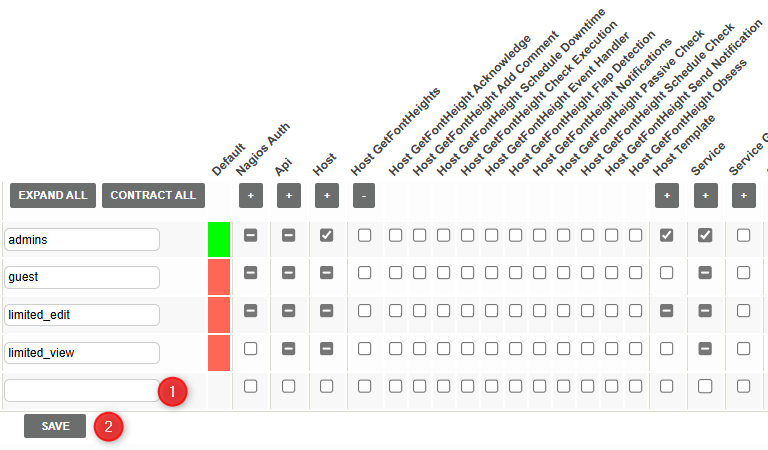
To add a new group, simply input it’s name, check the boxes to define what rights the group should have and “Save”.
Note: Keep in mind that if permissions of a group change, affected users mut logout and login again for Energy Monitor to read the permissions anew.
