Adding Contacts to Groups
Energy Monitor supports the use of groups, which allow multiple hosts, services or contacts to be brought to together as 1 entry.
Practical example, would be a situation where a company has a 100 Windows hosts, IT department has decided and configured the services and metrics to be monitored on those endpoints and now, they need to add contact information in order to be notified of the changes in workload. But instead of adding contact option on each host separately, they can add the contact information to a contact group and simply add all hosts to it.
A contact group can be assigned to a hostgroup as well.
Adding Contacts to groups
Enter “Manage” -> “Configure” -> “Contact Groups”
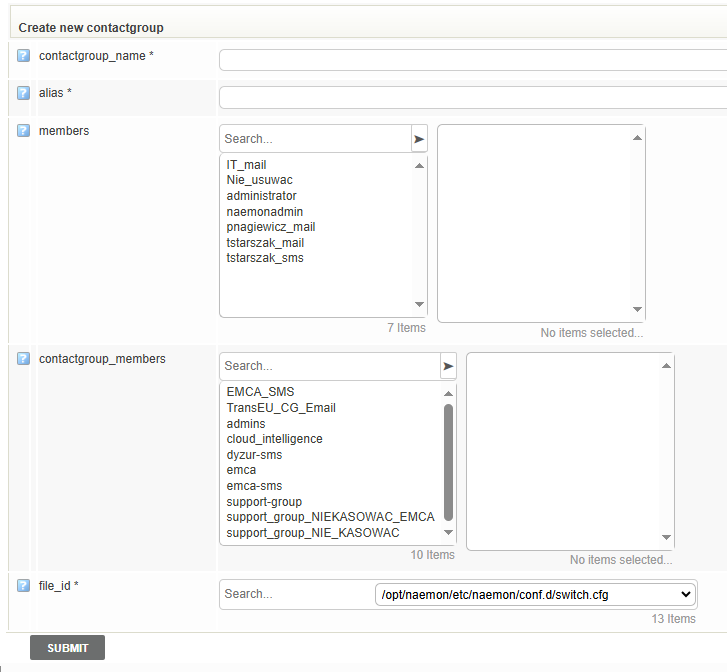
Create a new group or simply assign members to an existing one using the > and < arrows.
Submit the changes and save to the database