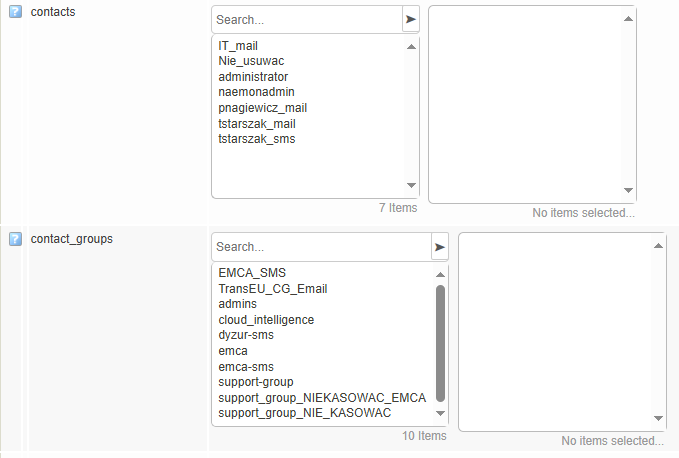
Adding contacts/contact groups to hosts
In order to add a contact to a host, for the puprose of receiving notifications from services/metrics regarding it’s operations and state, the administrator has 2 ways of implementing this:
Adding the contact/contact group directly into the host
In order to add a contact to a host:
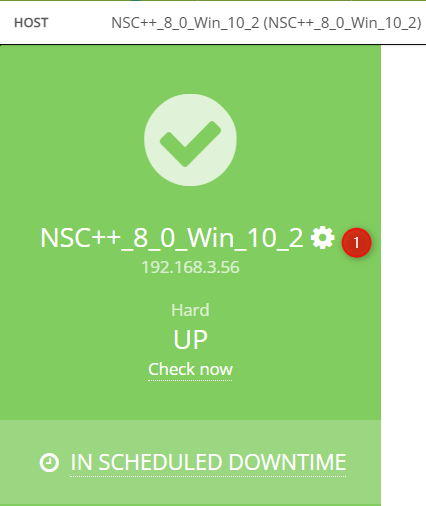
Pick the host from the “Monitor” -> “Hosts” -> “All Hosts” menu and access it’s configuration page through the “Gear” icon.
Click “Advanced” button
Using < and > arrows, You can add or remove e-mails to which notifications are are going to be send. You can add entire groups of contacts as well.