Saving the changes into the database
In order to save any changes the user makes into the database for LogMonitor to recognize, after inputting changes, the user must enter “Save” menu on the right side of the UI, then press “write changes to the database” button.
Data prior to being saved to the database is stored in a buffer, as an additional protection from inserting changes by mistake. All changes must be confirmed by the user.

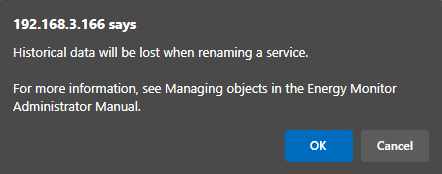
If the changes user makes, like renaming a host or a service, would result in affecting other data, EnergyMonitor will display an appropriate warning:
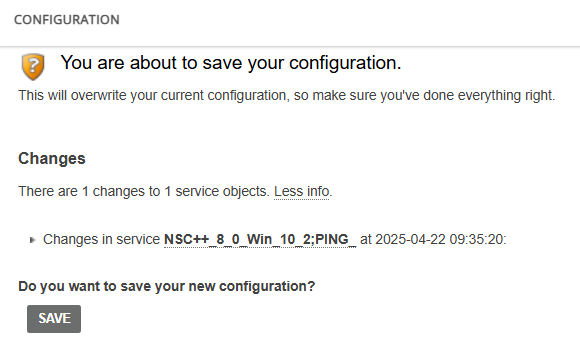
EnergyMonitor allows the user to see specifically what host or services are affected by the changes.
Clicking on the entry will take the user to the particular host or service that is being changed.
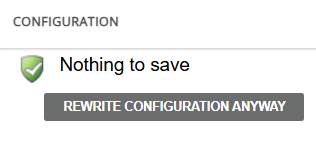
After successful saving, the user will see the following confirmation.
Note: Keep in mind that a user needs "export permissions" to save changes.