Availability and SLA report
Enter “Report” -> “Availability” -> “Create Availability Report”
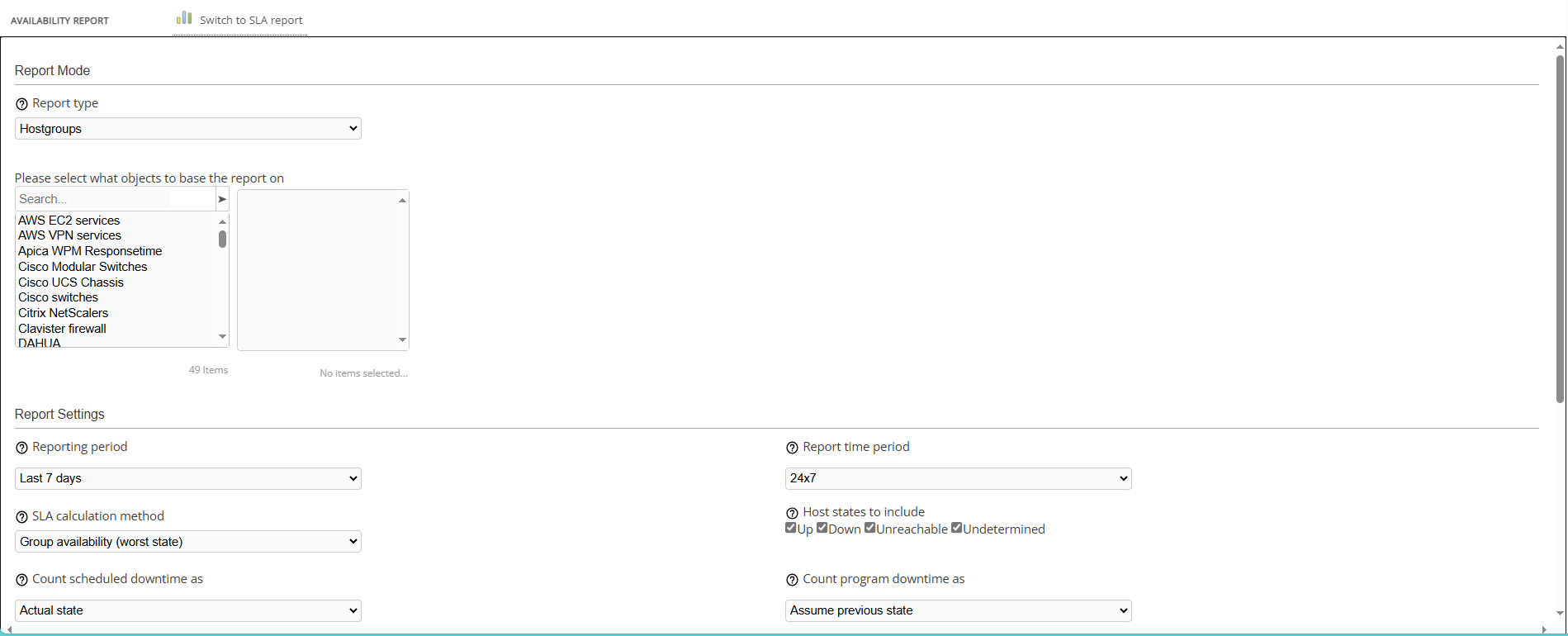
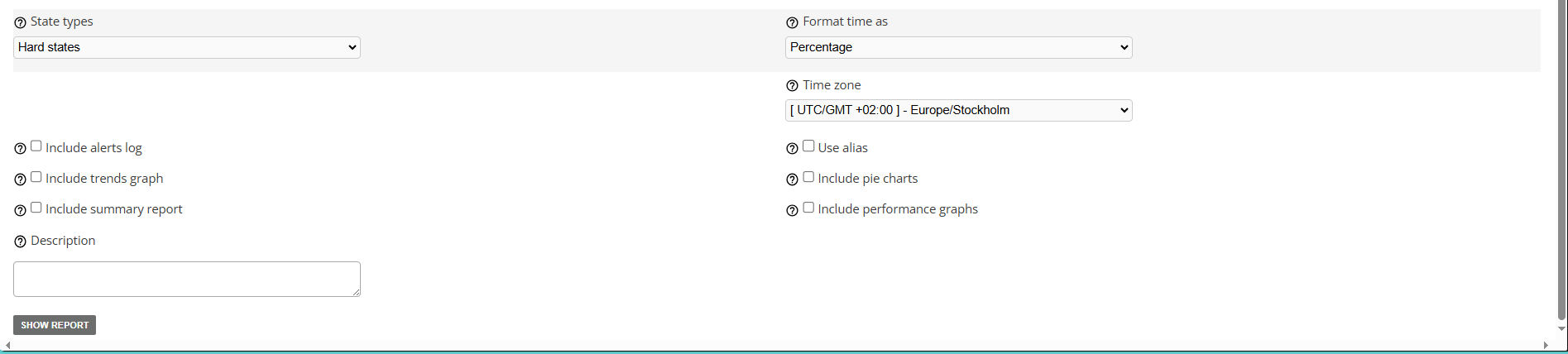
Availability report allows the administrator to see how your hosts have performed over a period of time
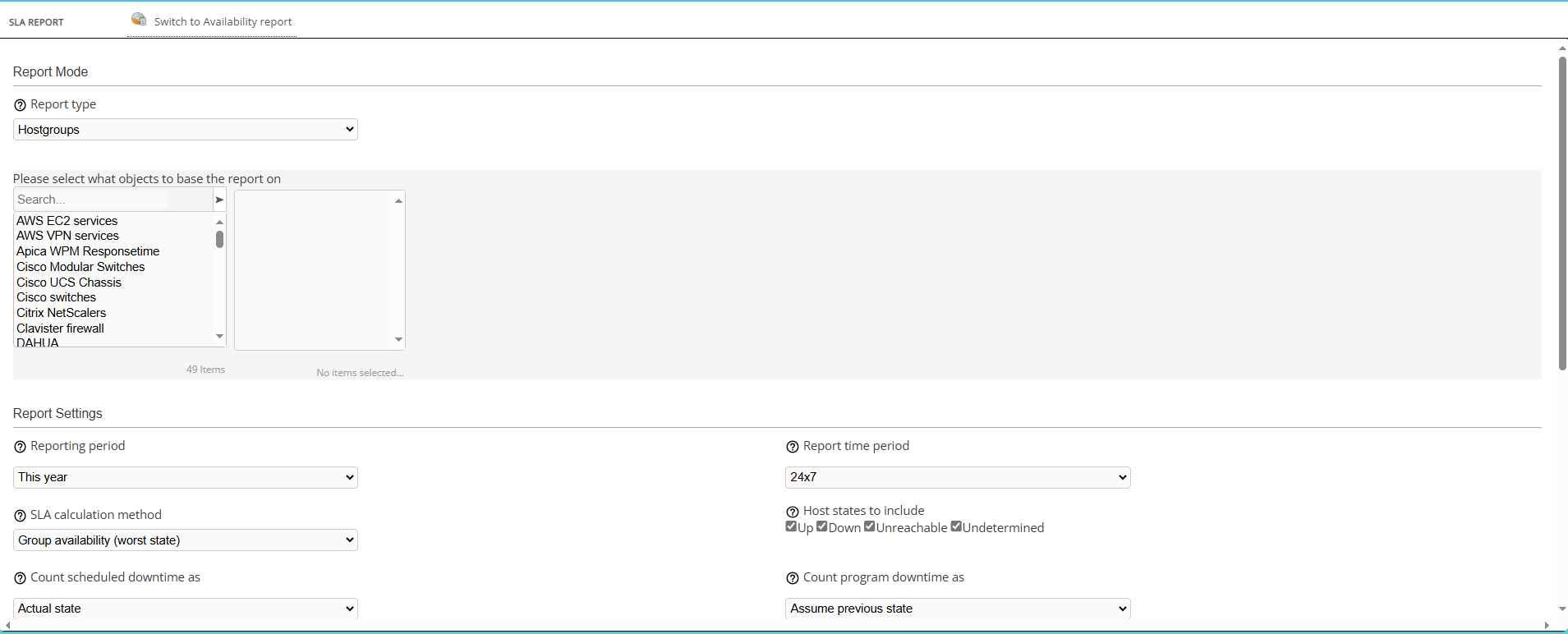
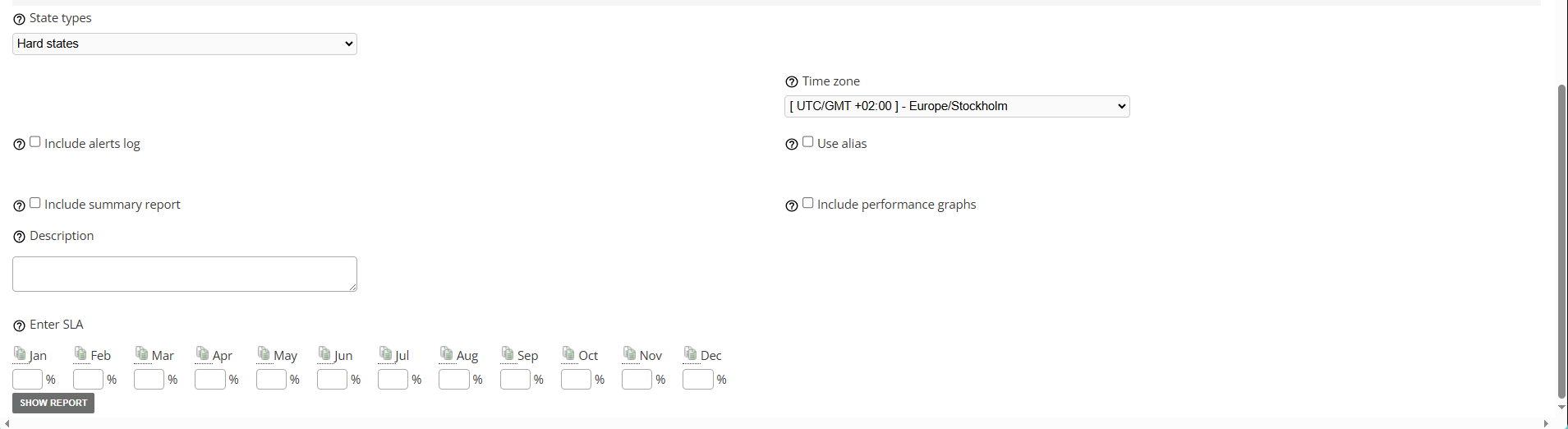
SLA report will allow the administrator to see if the agreement isn’t violated and performance of hosts is up to the agreed standard.
Every field contains instructions available under “?” sign

Availability report
SLA report
Saving the report

After generating the report, the administrator can save it:
to PDF
to CSV
Or save it to the database:
It will be available for later use under: “Reports” -> “Saved Reports”
