User Interface
Main Menu
After log in to Energy Monitor your default dashboard is displayed:
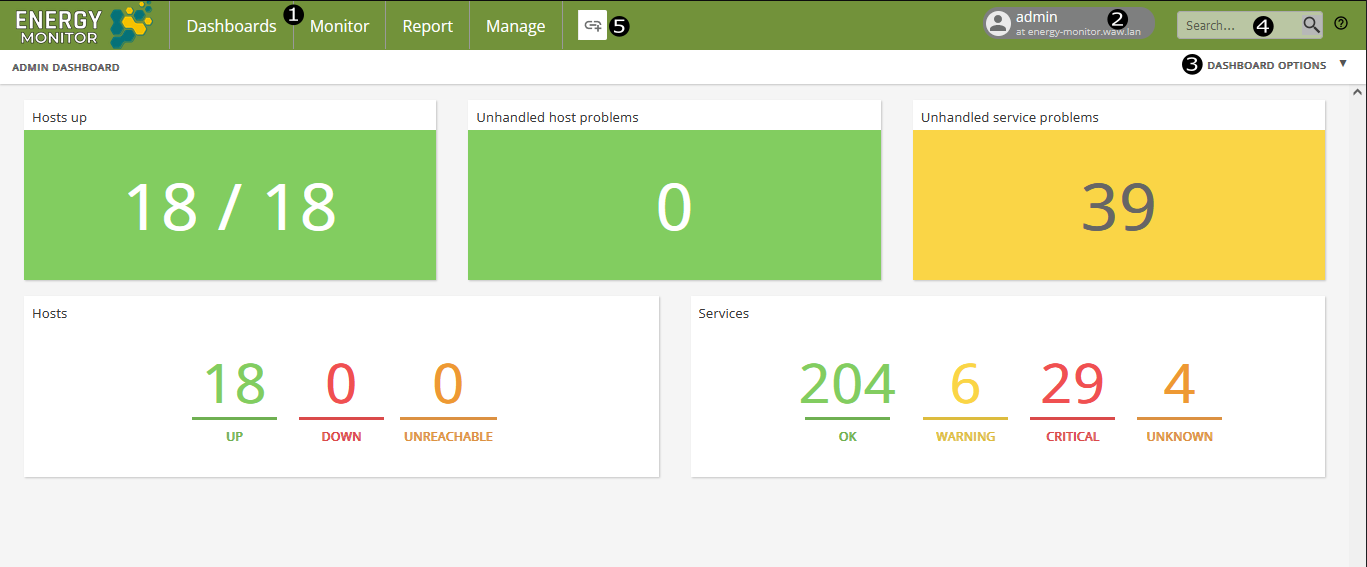
Nr |
Component |
Description |
|---|---|---|
1. |
Main Navigation menus |
Dashboard for creating and viewing dashboards |
2. |
User Menu |
For customising user profile and logging out |
3. |
Dashboard options |
For configure and share dashboard |
4. |
Search bar |
For searching through monitoring objects |
5. |
Quick Links |
For adding shourtcuts to frequently used reports and views |
Main Bar


 1. The icons filter host/services based on the chosen filter:

        - All hosts/services
        - Hosts/services up
        - Hosts/services down
        - Hosts/services unreachable
        - Hosts/services pending

 2. By clicking on the desired title the list of hosts/services will be sorted either in an ascending manner or descending, indicated by the direction of the arrow.

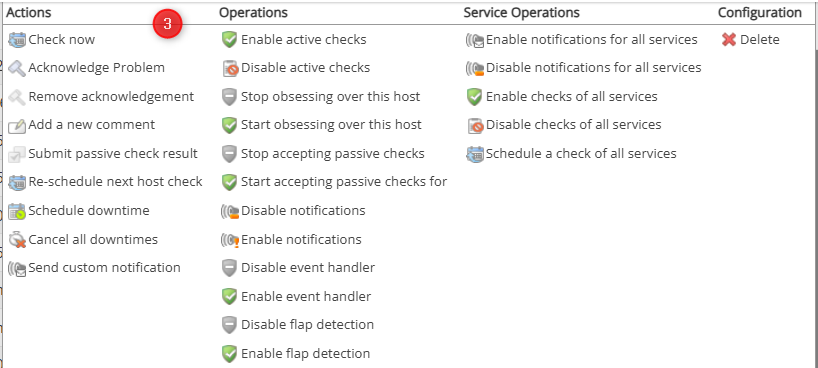
 3. It's the shortcut to a panel containing options affecting all hosts/services

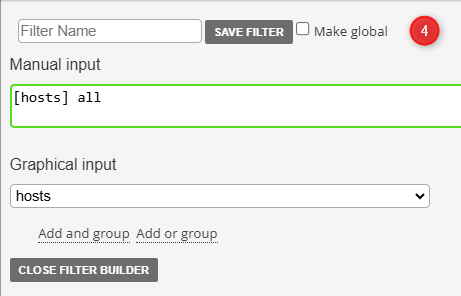
 4. Allows to specify a filter for the entire list.
Filter
Filtering allows the administrator to set up a particular query returning only the desired information. Filters can be saved for ease use at any time.
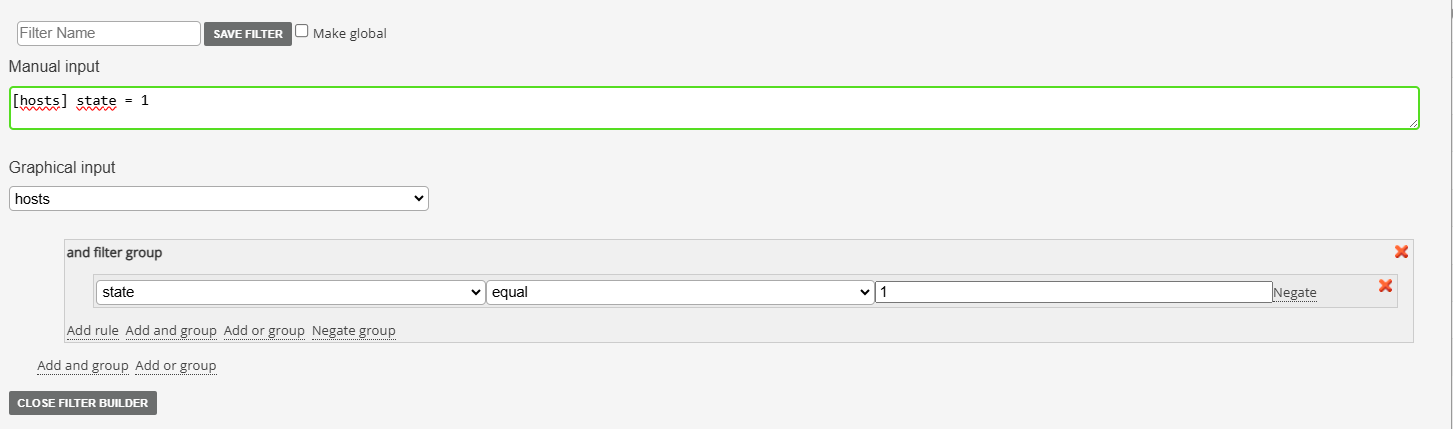
For example the IT department might want to see only the hosts with a state of DOWN, indicating some sort of issue.
A query returning that information is as follows:
[hosts] state = 1
Queries can be built using internal creator in the form of expandable lists and AND/OR conditions. Please keep in mind that contents of the lists change based on the primary category that was chosen.
Host configuration menu
In the configuration menu of the host, in the top right side end of the screen, several buttons are located:

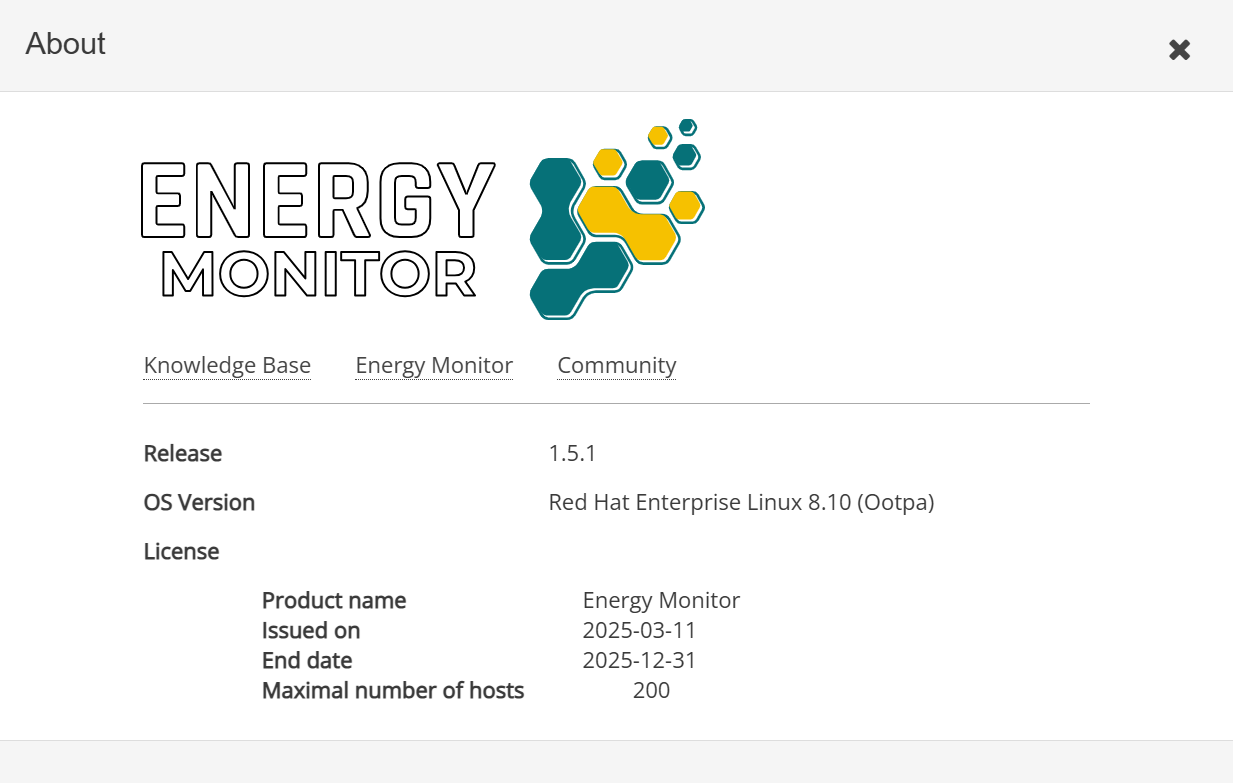
License
shows what OS your mainframe is running on, version of Energy Monitor alongside the details of your license, when it expires and how many hosts you can afford to monitor.
Configuration Page
Shortcut to “Manage” -> “Configure”
Save
Leads to submenu allowing to check what saves are pending to be written into the database.
Undo
In case of mistakes, undo restores the state of the database by 1 save back. So if you make a mistake, save and undo, the database will be restored without errors. But If you saved once more after 1st save, only the latest mistakes will be undone.
Changelog
shows all already saved changes into the database.
Below them, another set of buttons is located:
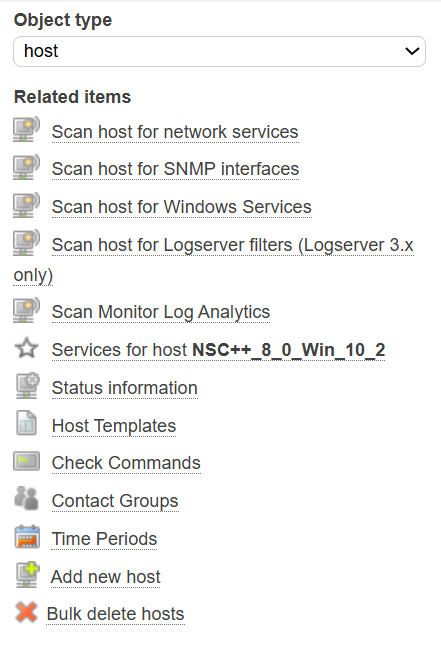
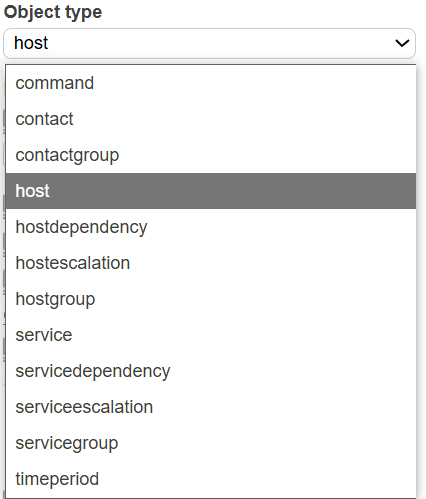
Object type allows an expandable list of shortcuts to various aspects of the system configuration, reducing the amount of steps and clicks to change windows.
Below are self explanatory shortcuts to different features, which change depending on what is currently chosen in “Object Type”
The last set of buttons governs the following features:

1. Dependencies
    - This setting allows to set up Parent-Child relation between 2 hosts, resulting in notifications being sent from the child host if the parent host experiences some sort of malfunction.

2. Escalations

    - This setting allows to overwrite the default contact policy for the host, if it remains unresponsive for the set amount of time. After that time, escalations send their own pre-defined notifications to contacts and groups. Ie. If a host doesn't respond for 5 minutes, Group A is informed. If after 10 minutes problem isn't resolved, host escalates and both Group A and Group B is informed.

3. Advanced
    - Shows full possible parameters that can be set on a host/service

4. Clone
    - Create 1:1 copy/copies of the selected host/hosts. One can define a number of hosts meant to be created.

5. Copy
    - Allows to create a 1:1 single copy of the selected host.

6. Propagate
    - Allows to set up chosen parameters on multiple hosts without having to edit manually each one.

7. Delete
    - Deletes the host from the database.
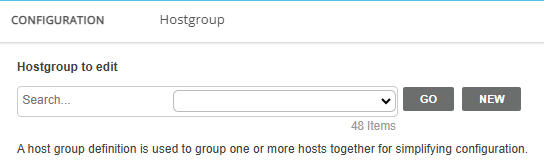
Every window in the host configuration menu, contains a search bar which contains an expandable list of all entires of a particular category in Energy Monitor, for ease and convenience.
Go button loads the chosen entry.
New button creates a brand new entry.